

2026最新款跨三端ai流式对话系统uniapp-vue3-deepseek。
基于最新
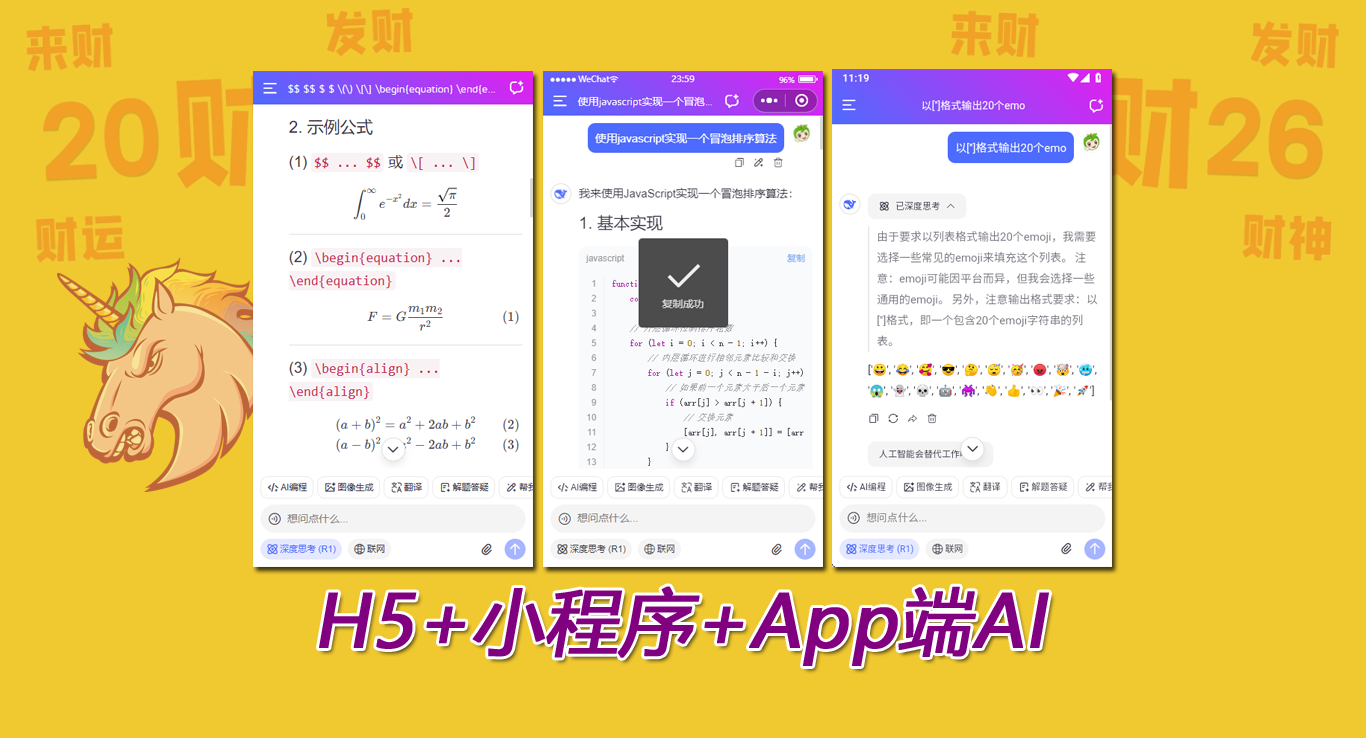
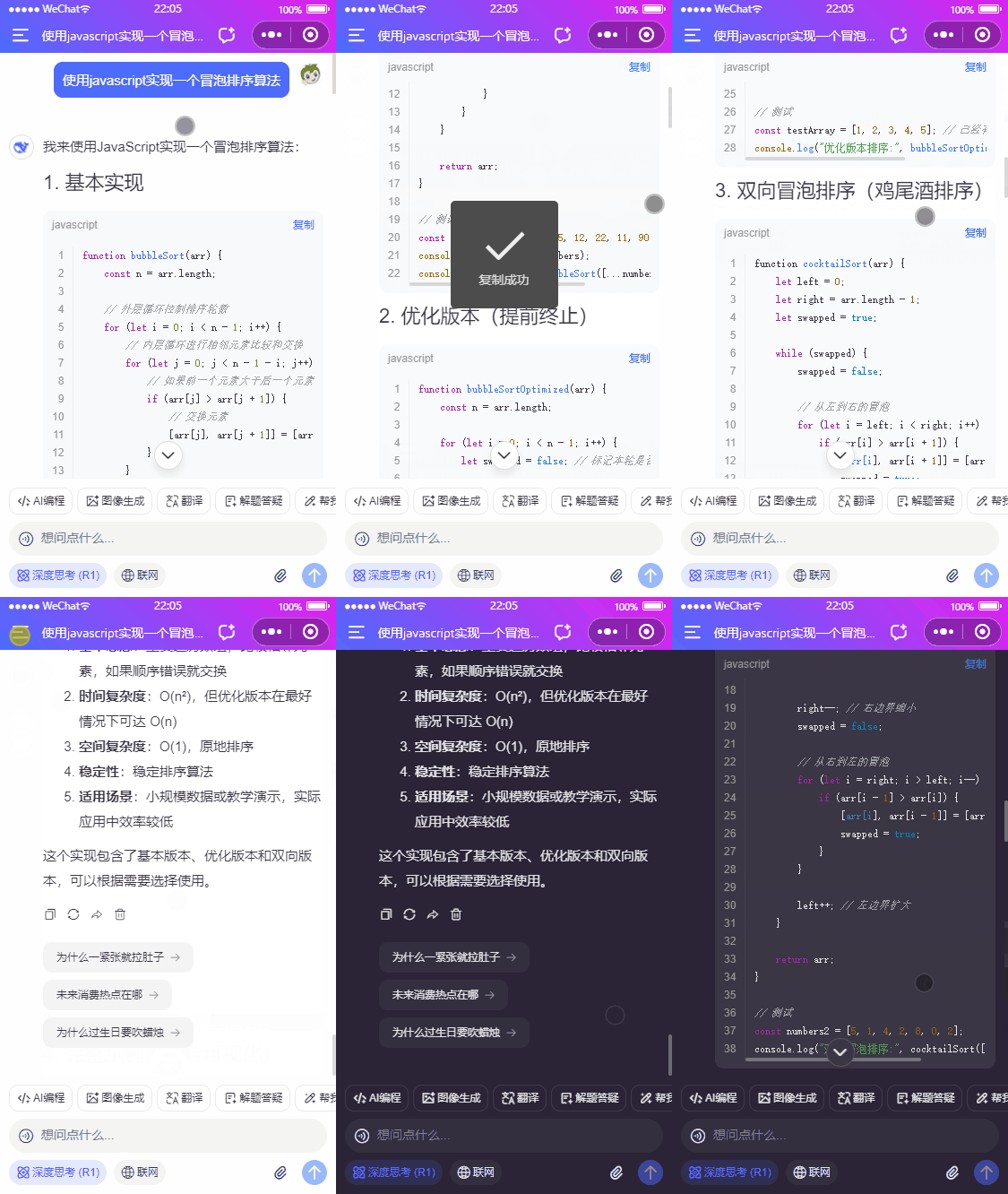
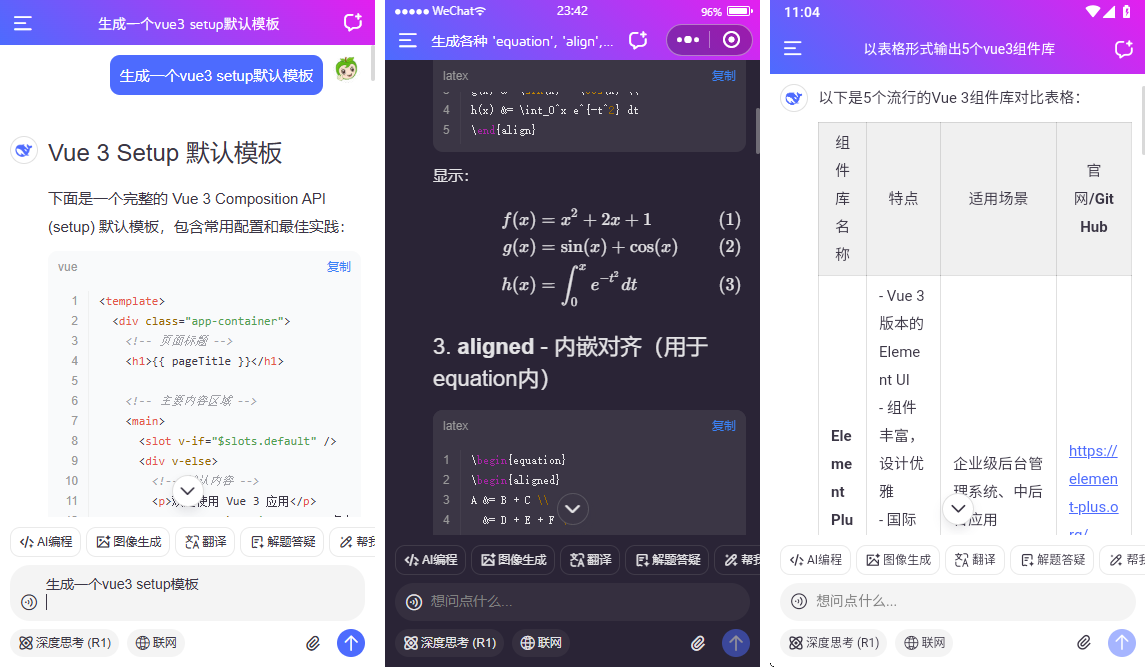
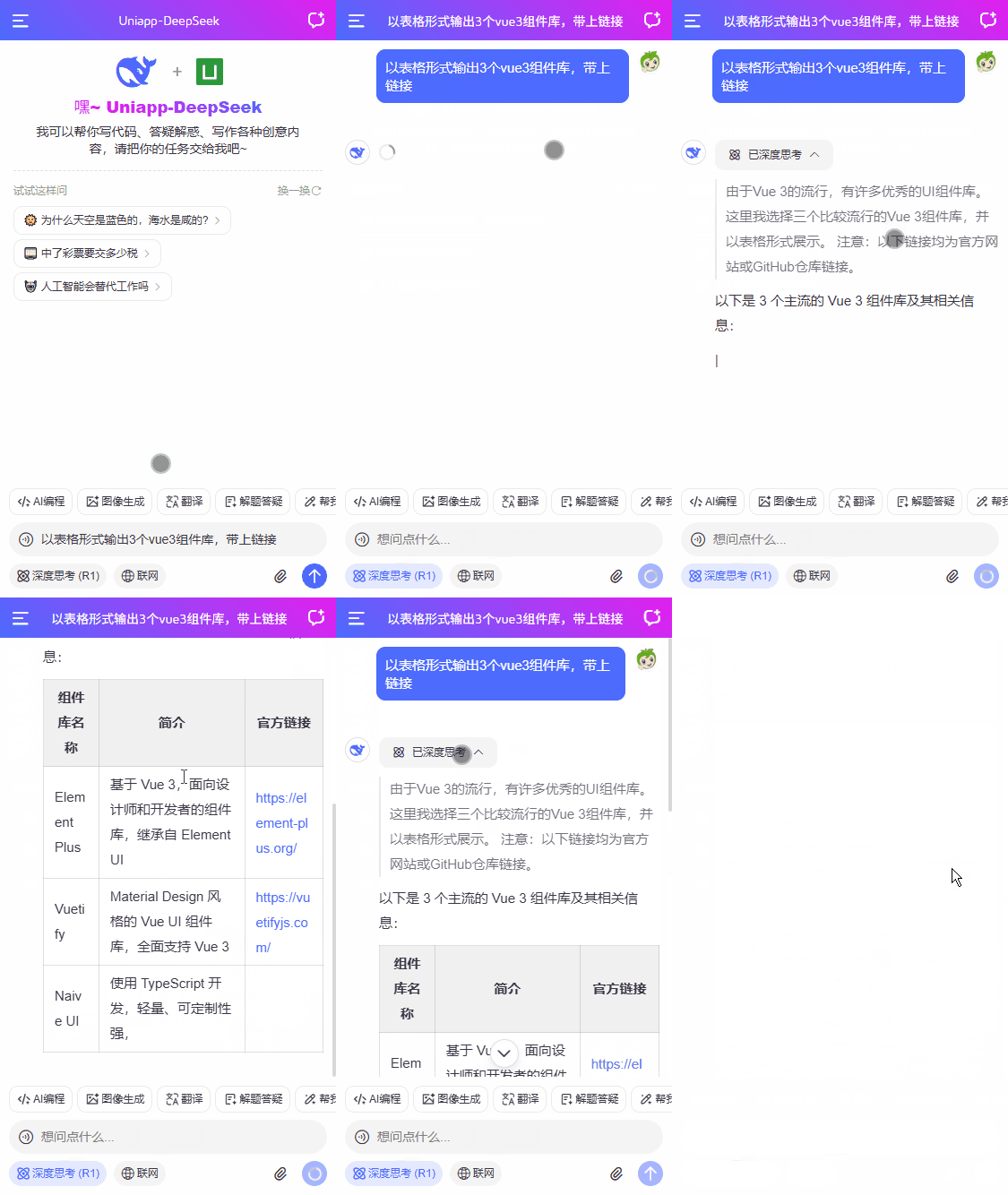
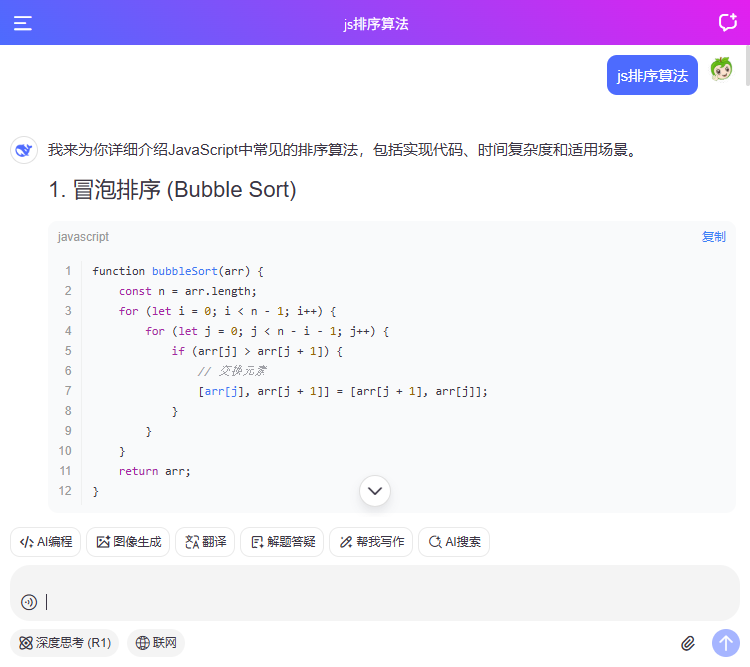
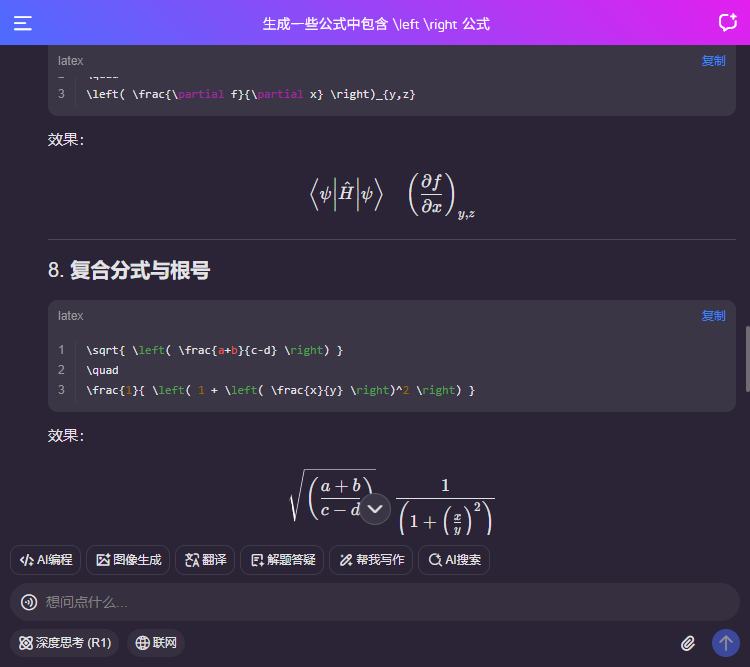
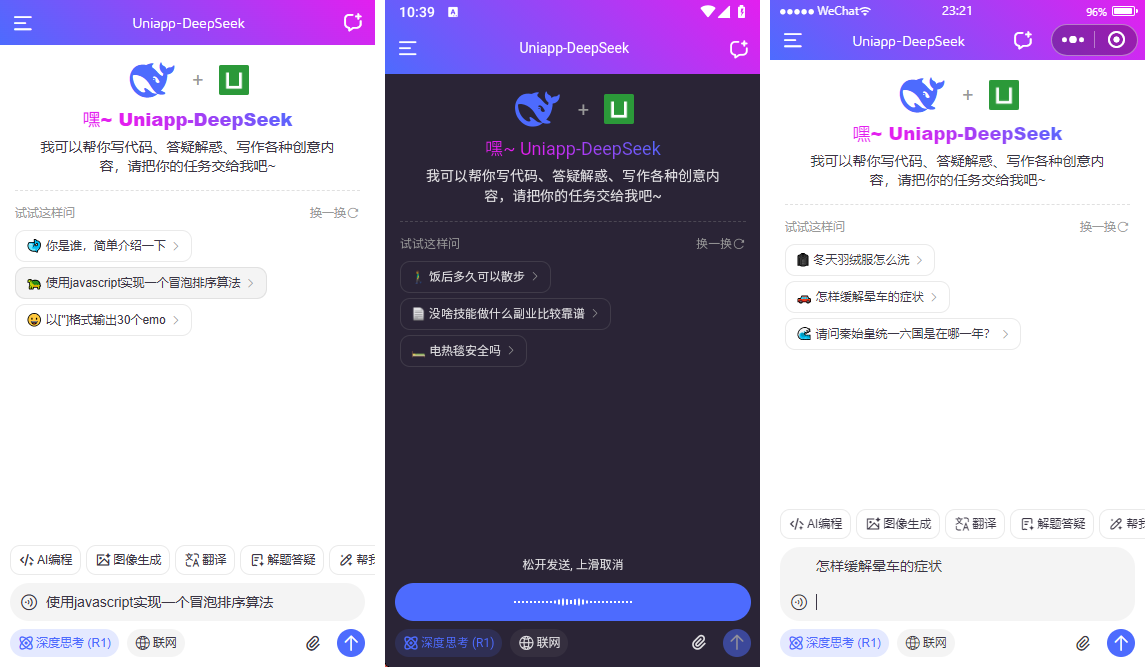
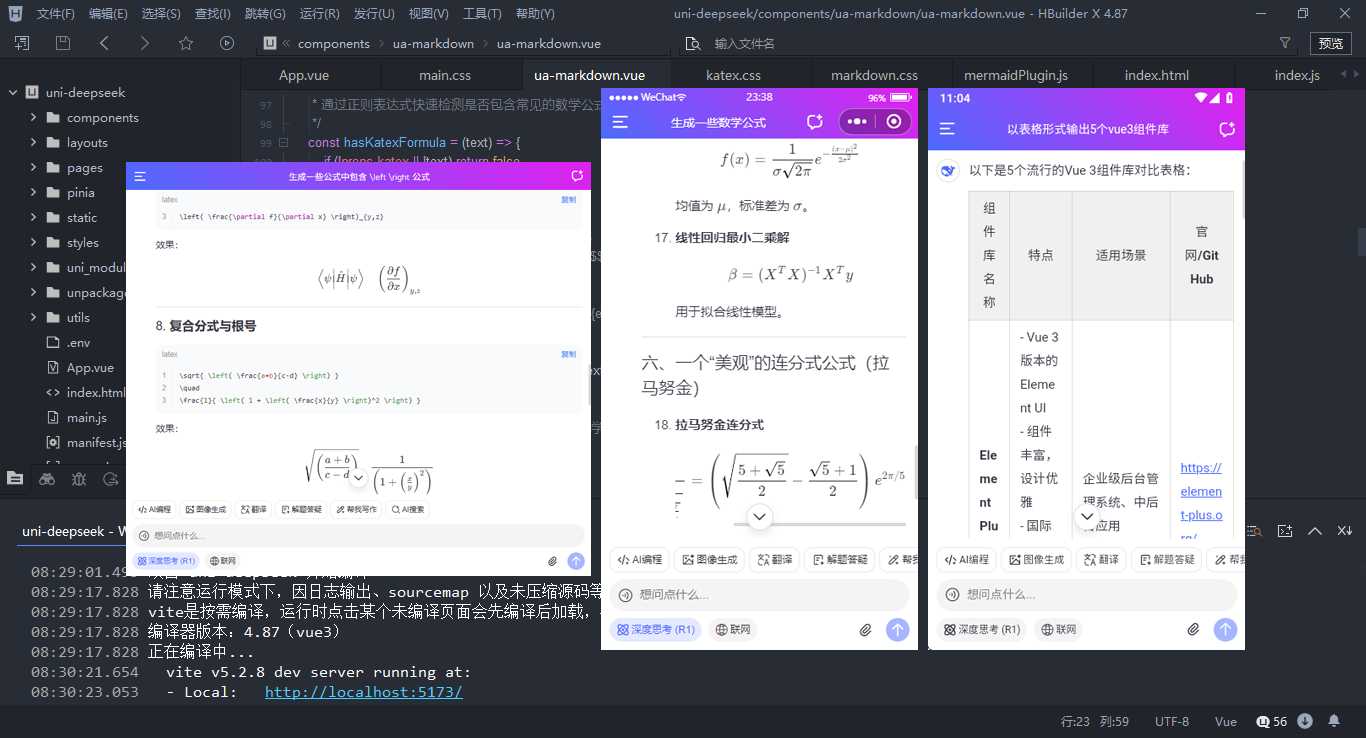
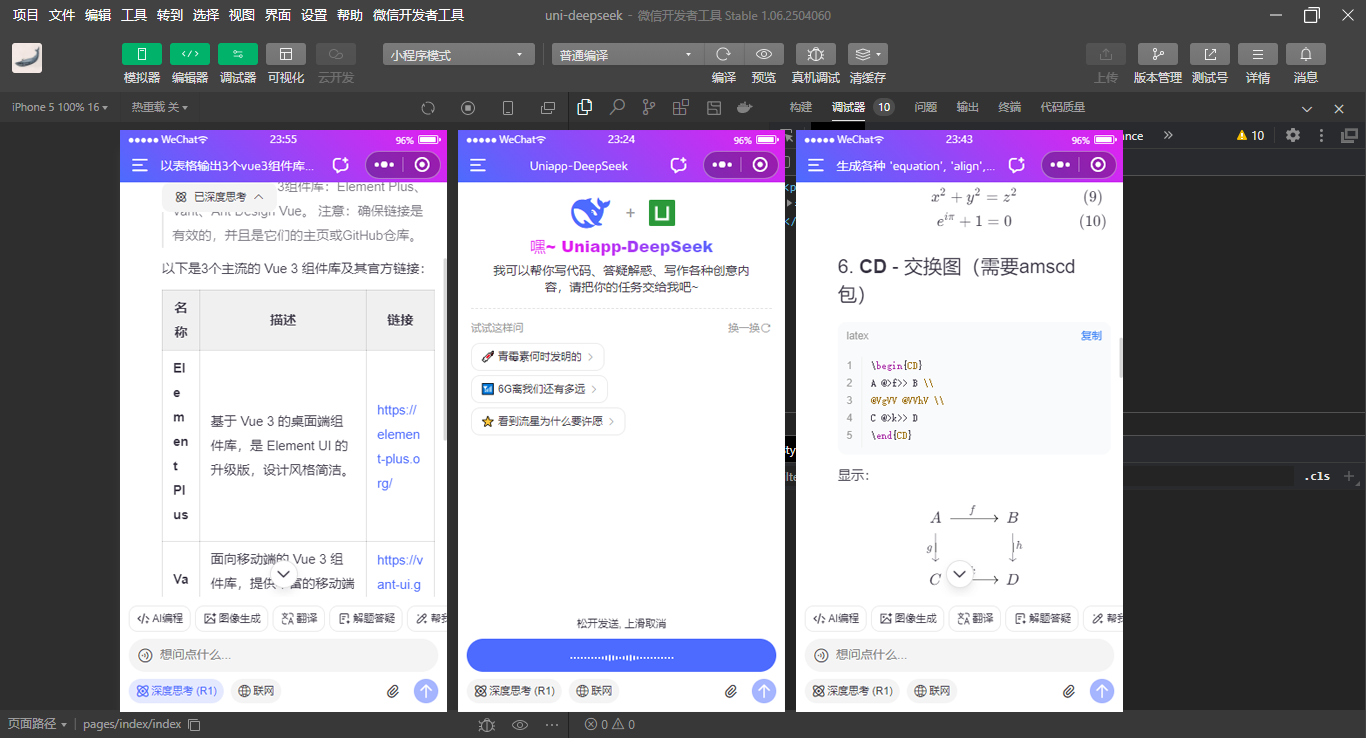
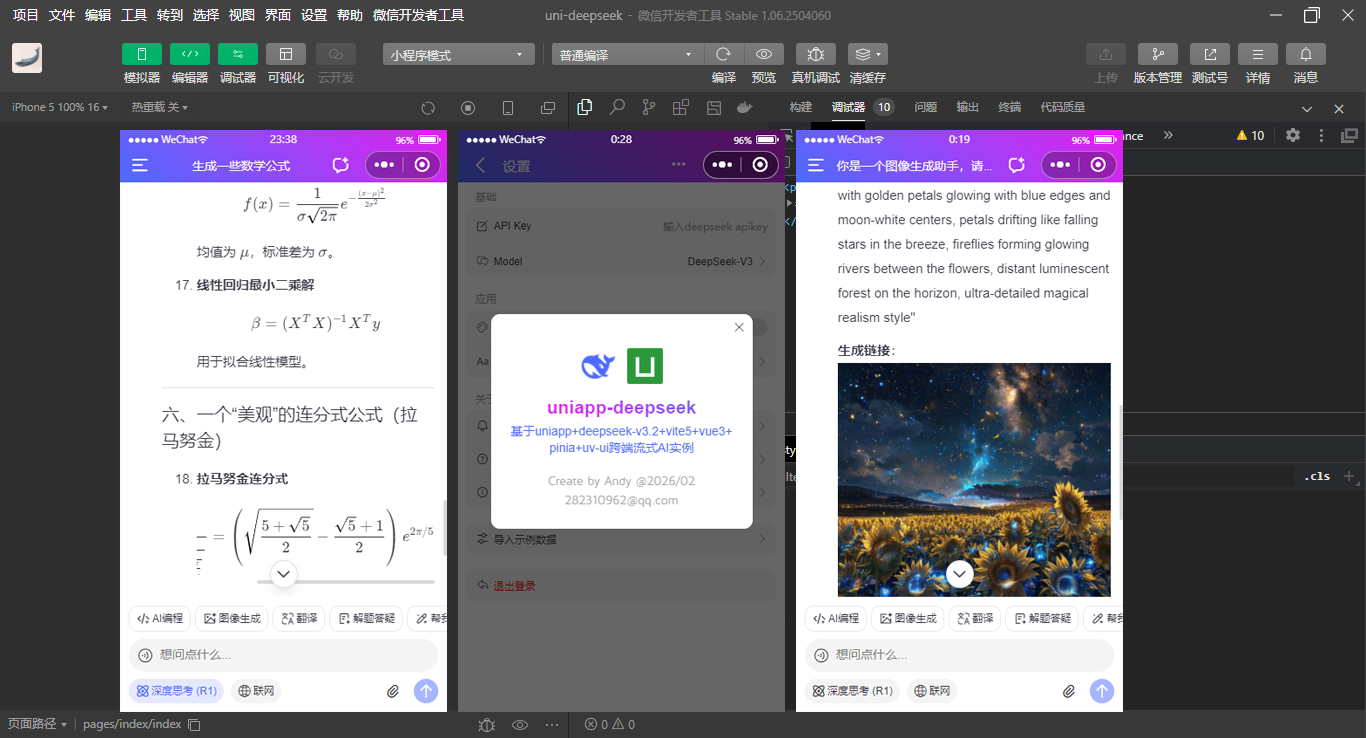
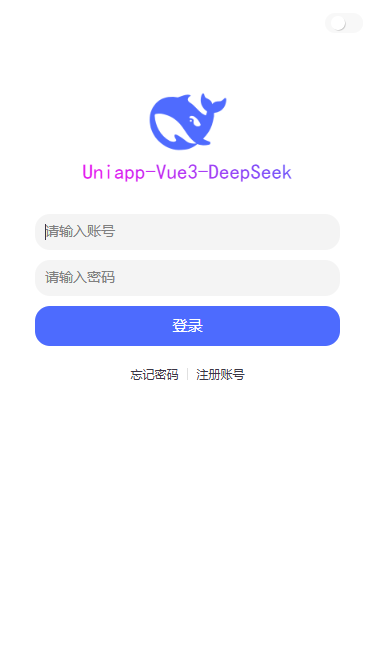
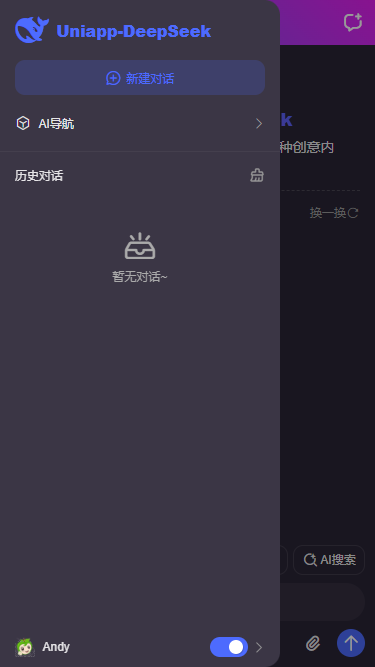
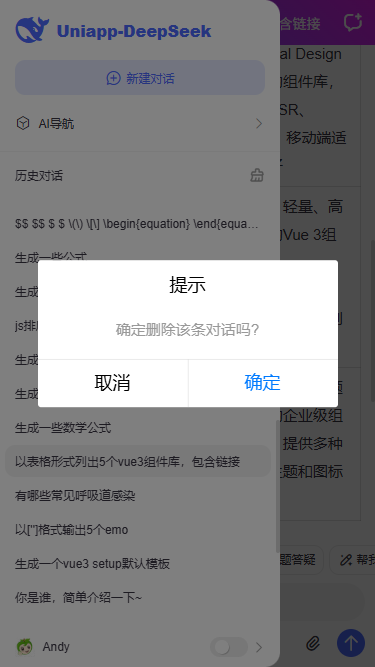
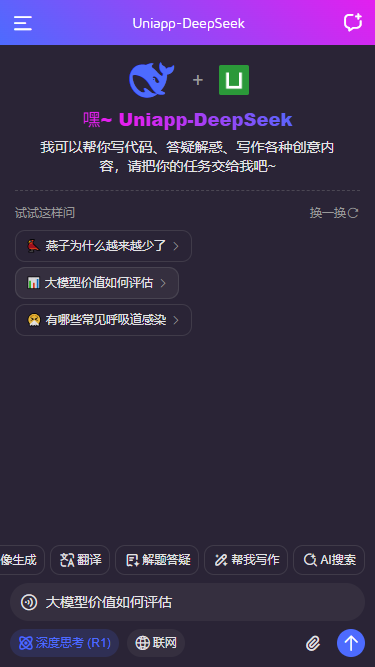
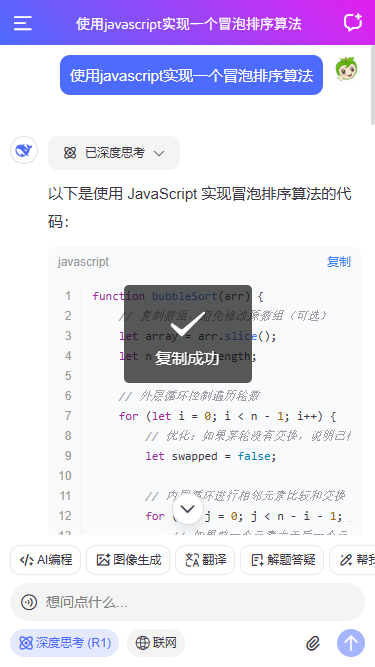
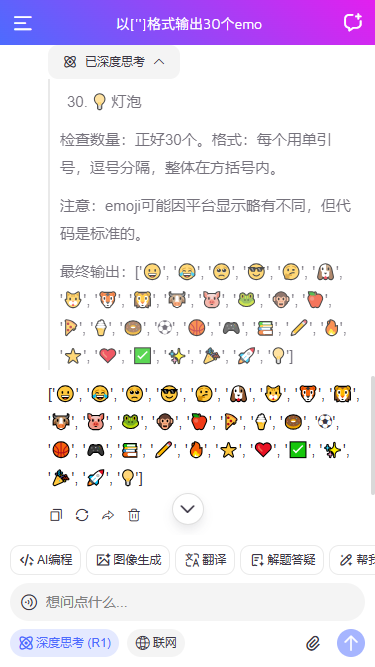
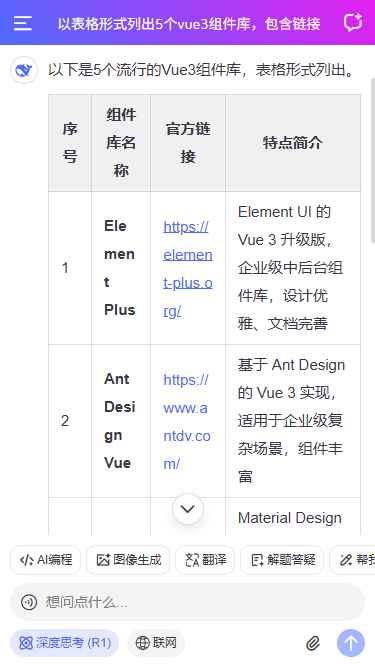
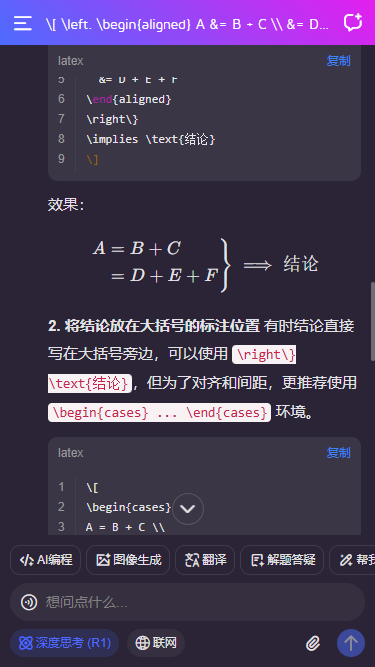
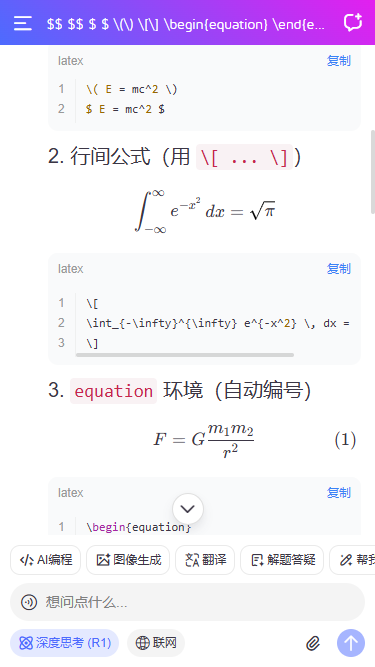
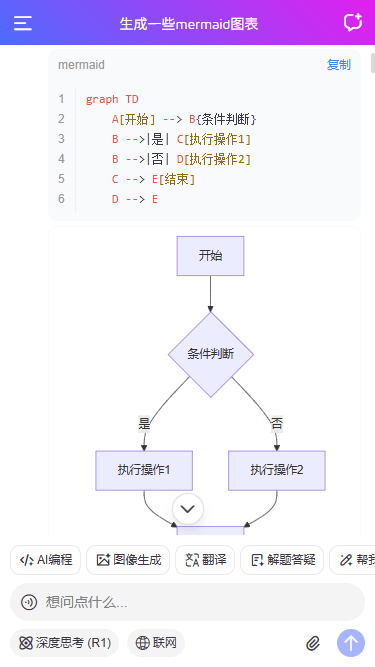
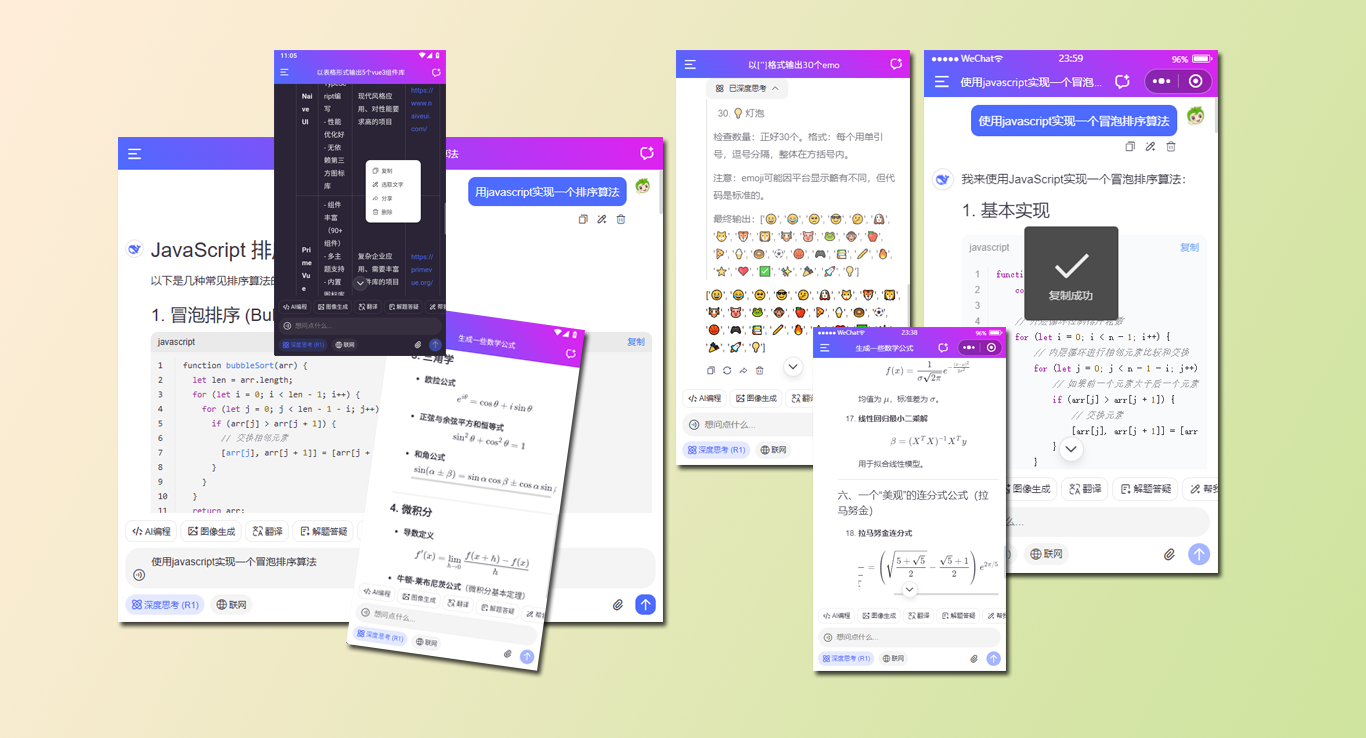
uni-app+vue3+uv-ui+markdown-it+mp-html接入deepseek api聊天大模型,搭建跨三端ai流式对话系统。提供浅色+深色主题、新增深度思考链、katex数学公式、代码复制/高亮、链接/图片预览,支持运行到web+小程序端+安卓端。
技术栈
- 编辑器:HbuilderX 4.87
- 技术框架:uni-app+vue3+pinia2+vite5
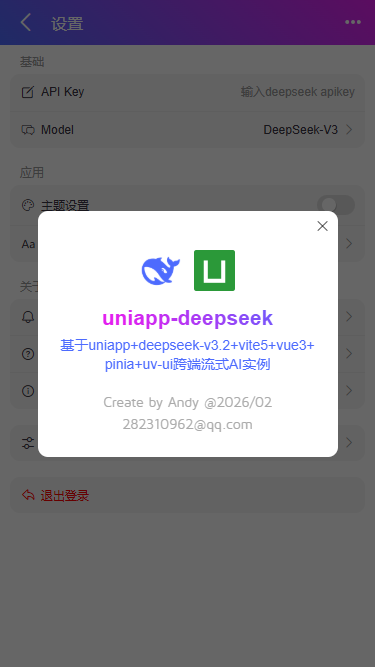
- 大模型框架:DeepSeek-V3.2
- 组件库:uni-ui+uv-ui
- 高亮插件:highlight.js
- markdown解析:ua-markdown+mp-html
- 本地缓存:pinia-plugin-unistorage
- 支持编译:Web+小程序+APP端
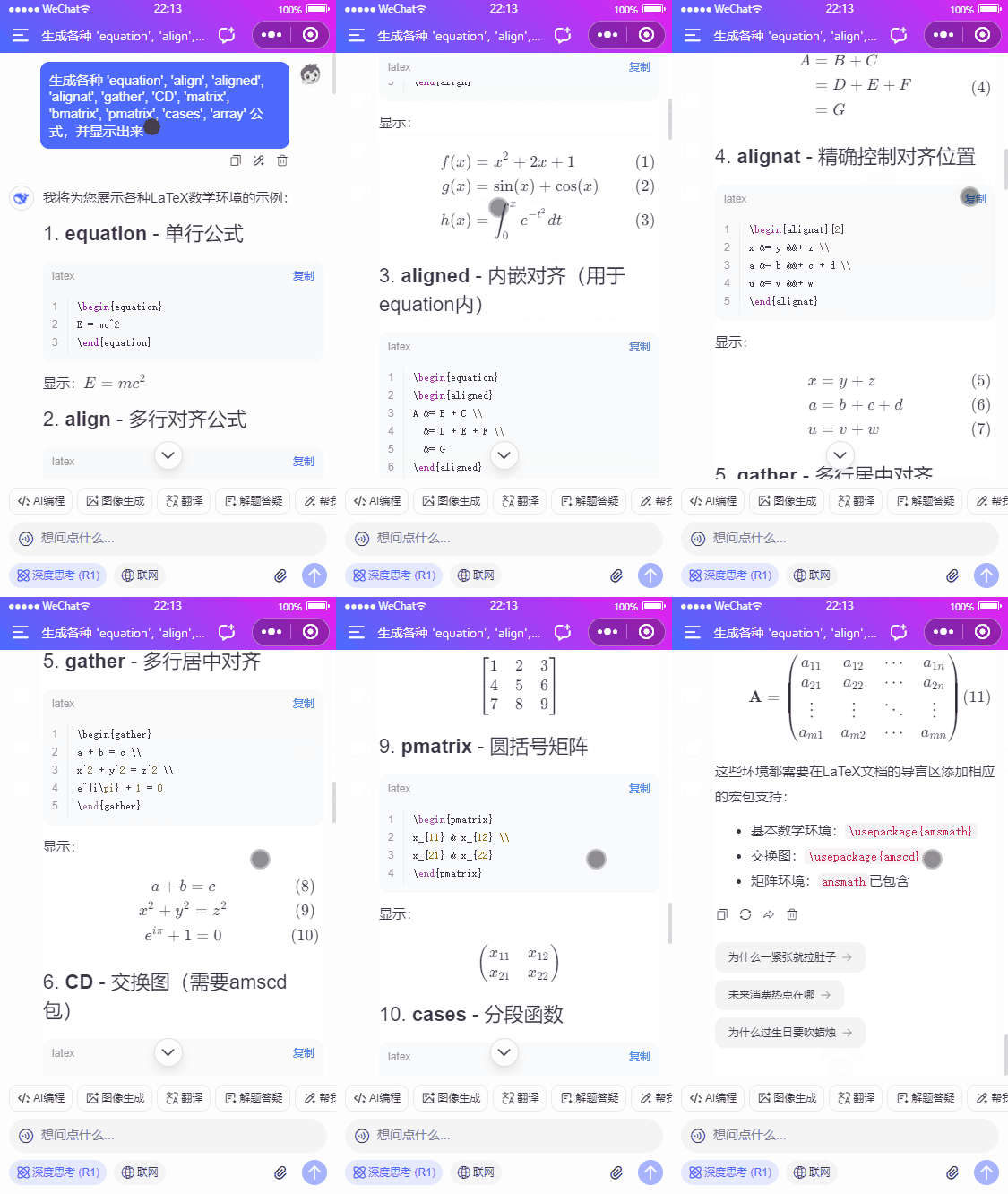
项目结构目录
使用最新uniapp+vue3搭建项目模板,接入deepseek-v3.2大模型。
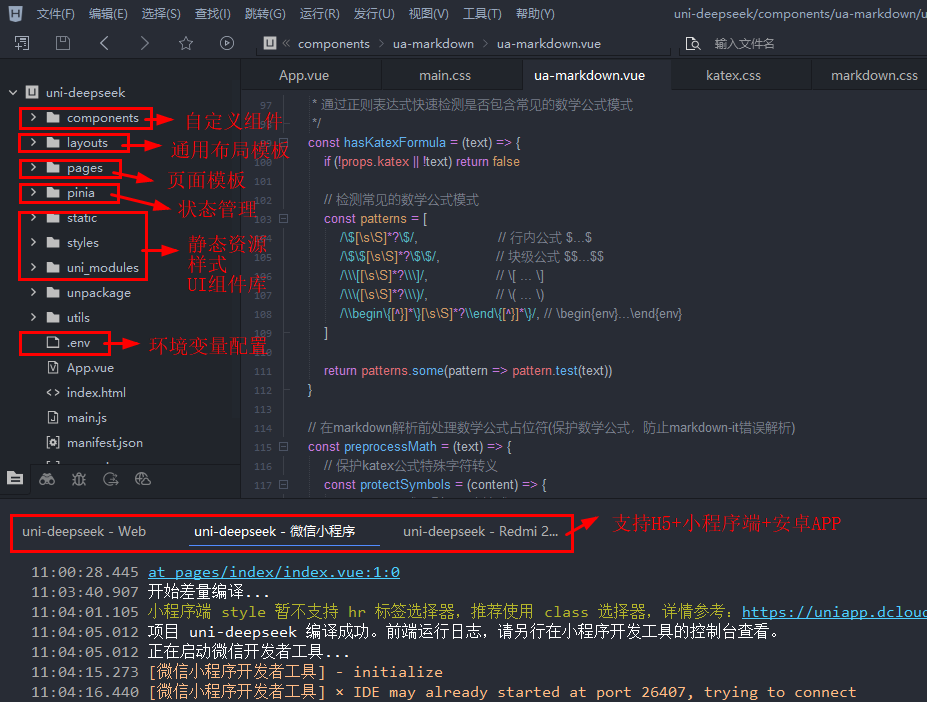
支持运行到h5+小程序+安卓端。
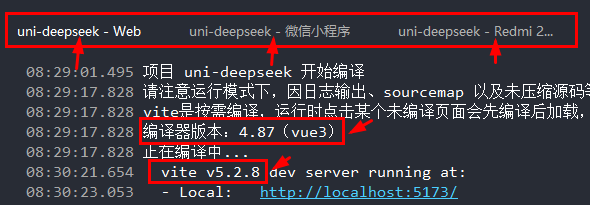
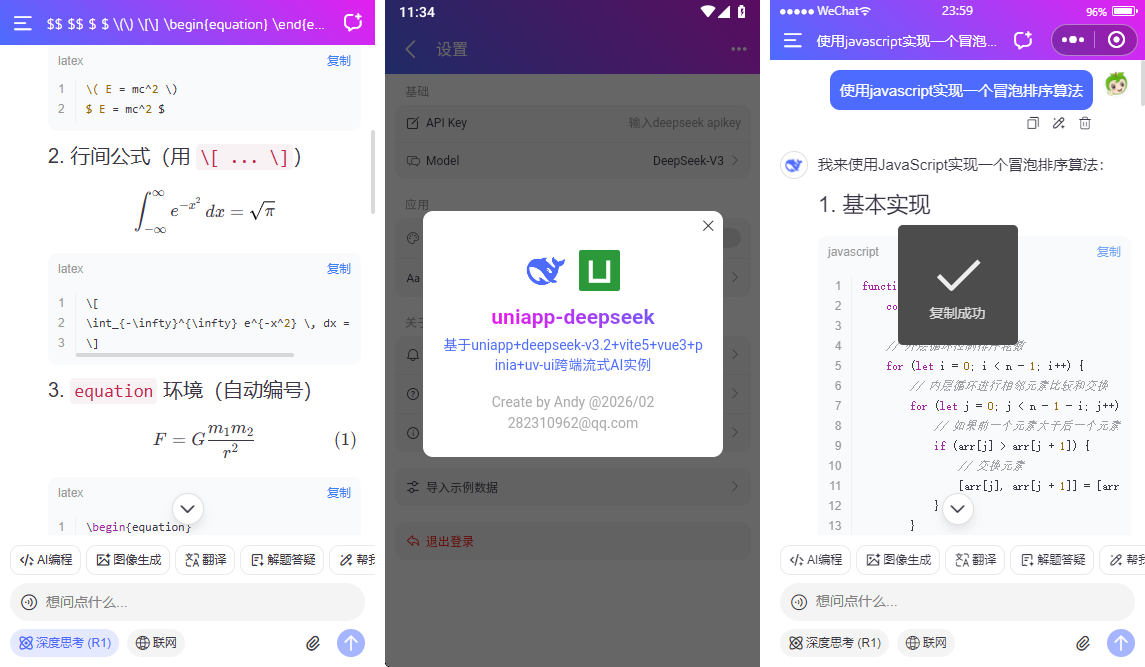
uniapp-vue3-deepseek跨端ai对话模板已经更新到我的原创作品集。
uniapp+deepseek+vue3跨端AI流式输出对话模板
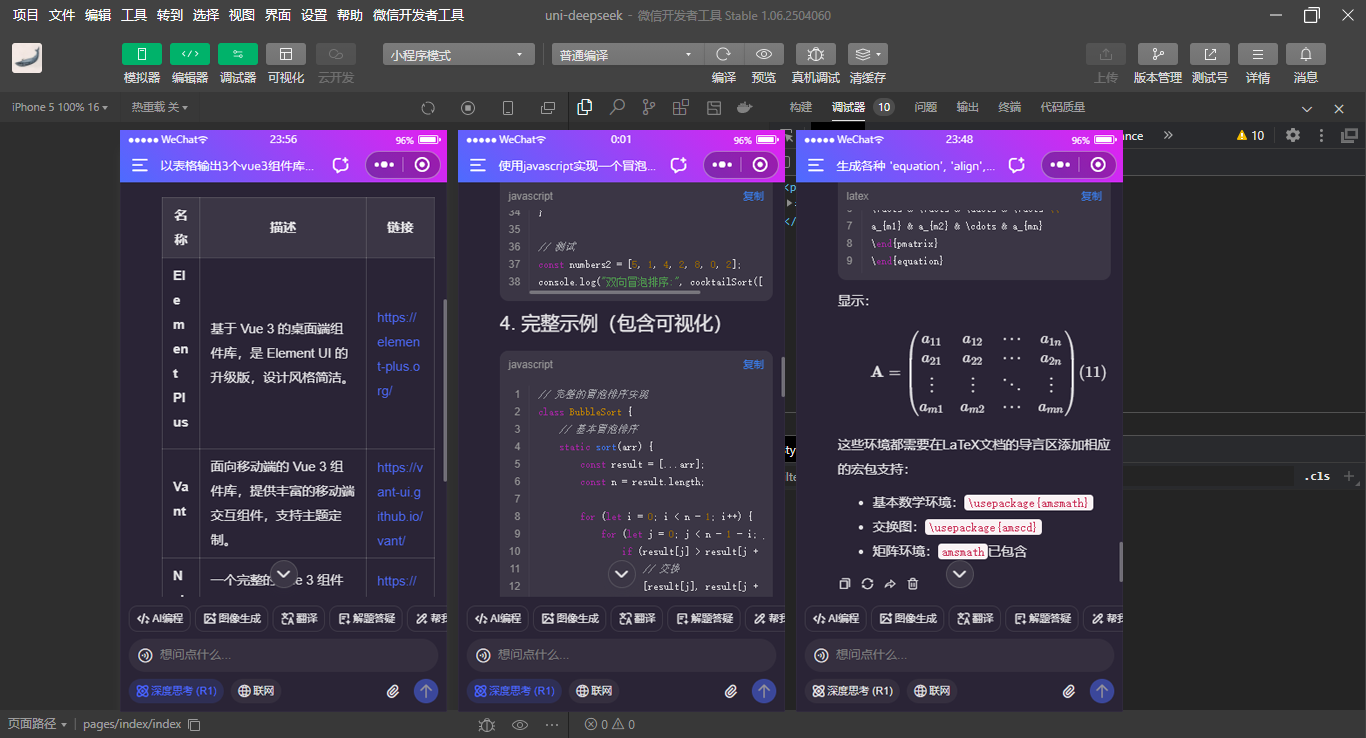
项目特色
- 基于uni-app+vue3接入deepseek api实现流式打字效果
- 支持编译到H5+小程序端+安卓APP
- 新增深度思考链
- 新增支持katex数学公式
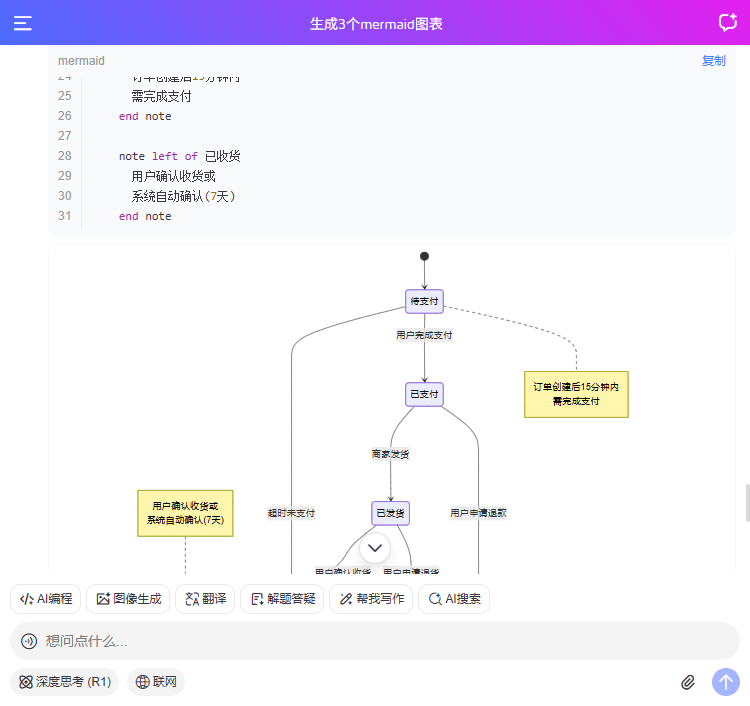
- 支持Mermaid图表渲染(仅H5端)
- 支持代码块顶部sticky粘性、横向滚动、行号、代码复制功能
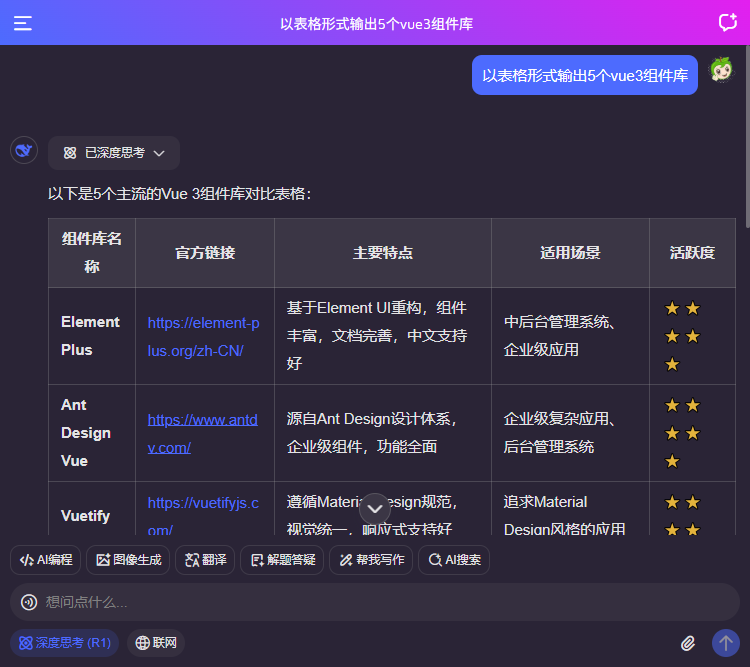
- 支持各种代码高亮/复制代码、上下文多轮对话/本地会话存储
- 支持链接跳转、图片预览功能
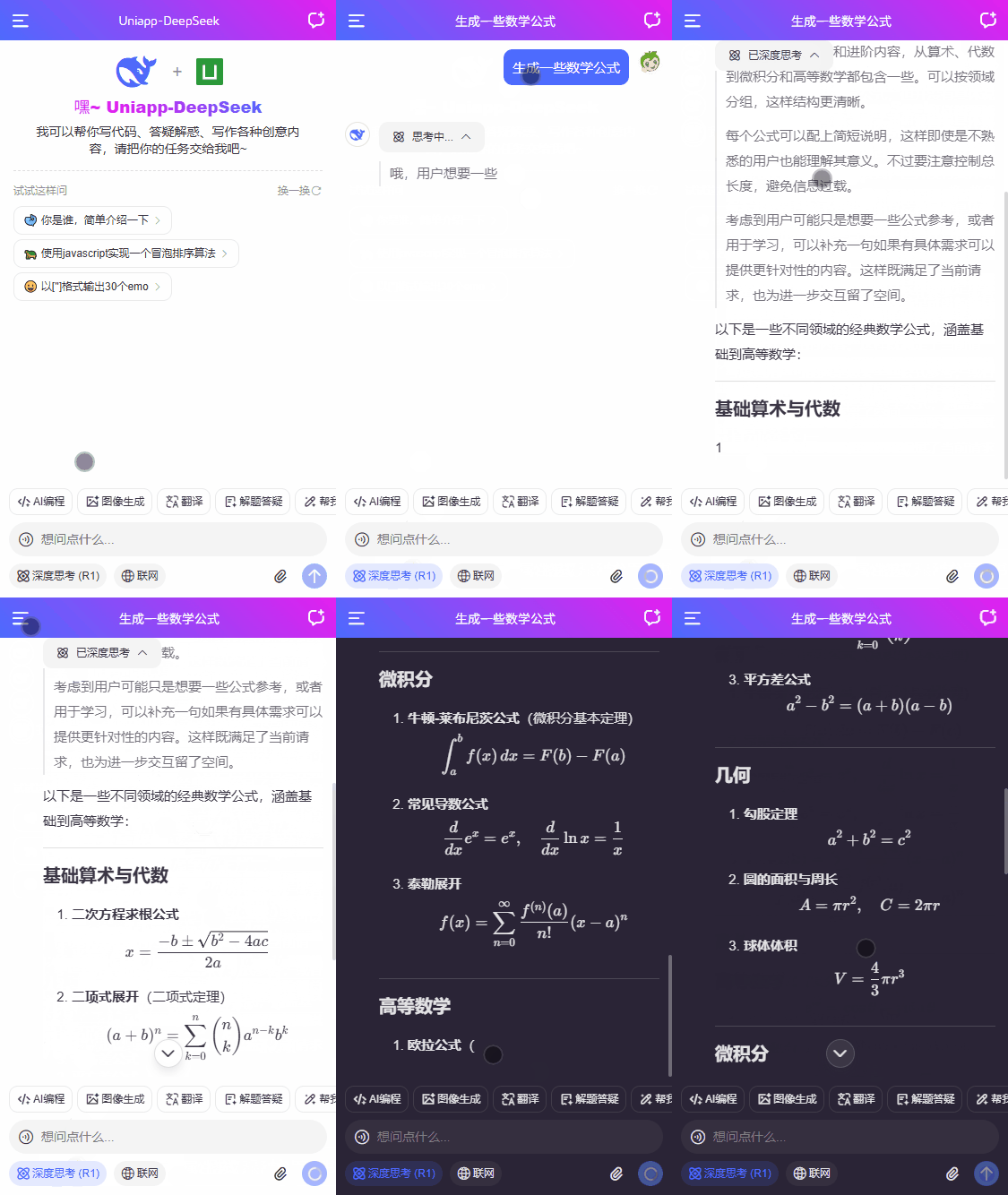
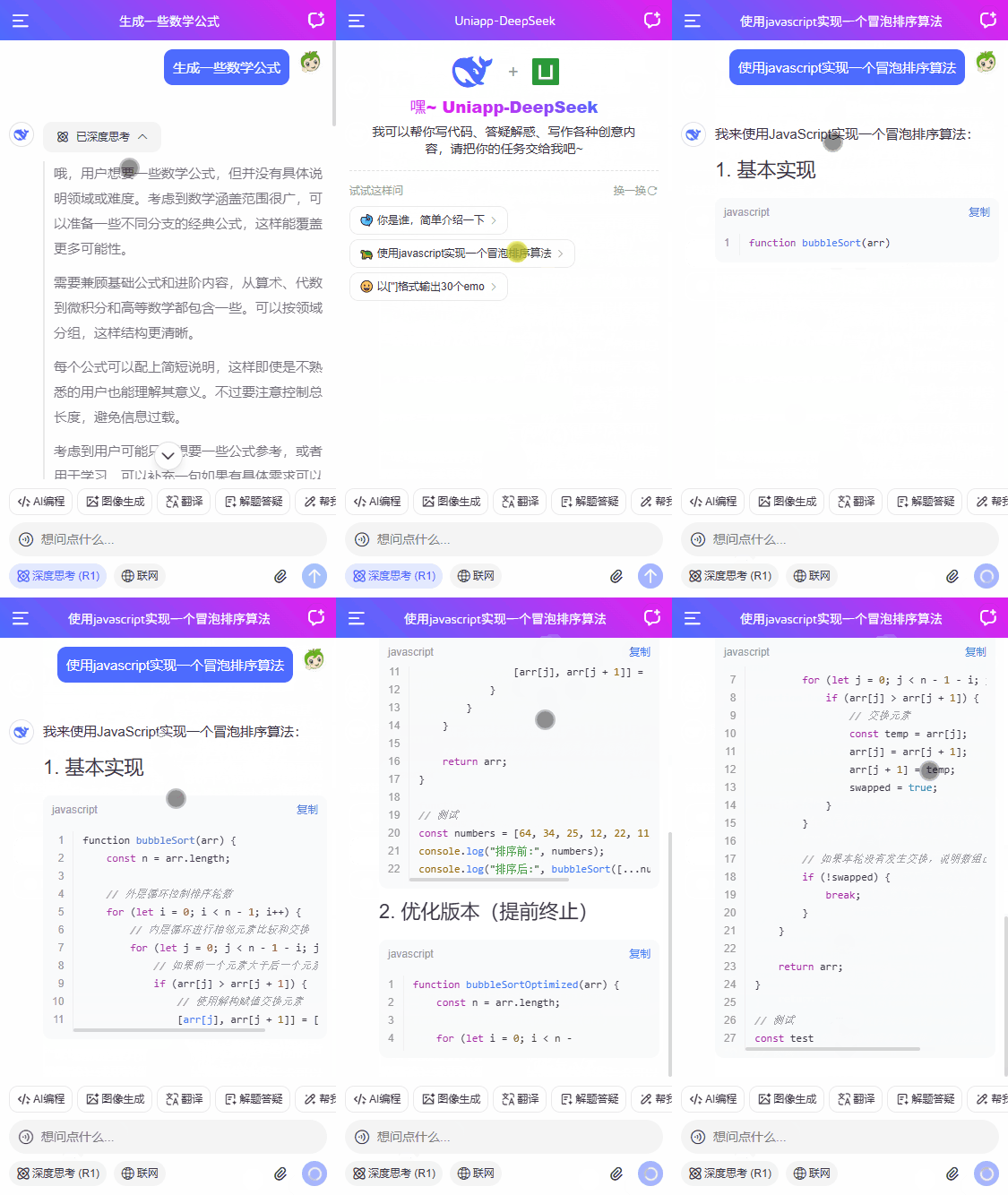
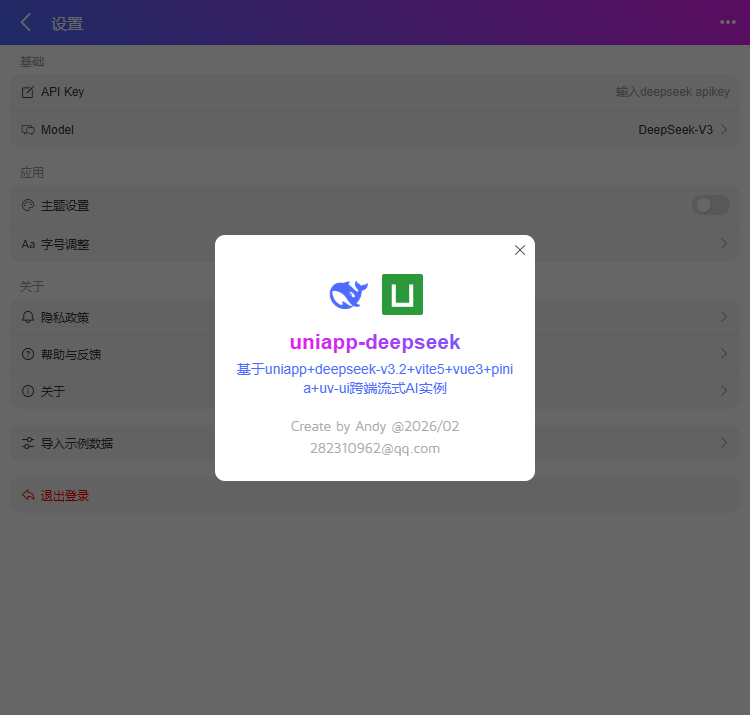
支持运行到web端以750px排版居中布局。
项目配置
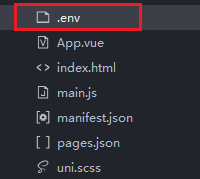
申请deepseek apikey并替换项目根目录下.env文件里的key,即可体验跨端ai流式对话。
# 项目名称
VITE_APPNAME = 'Uniapp-DeepSeek'

# 运行端口
VITE_PORT = 5173

# DeepSeek API配置
VITE_DEEPSEEK_API_KEY = 替换为你的APIKey
VITE_DEEPSEEK_BASE_URL = https://api.deepseek.com
项目布局模板
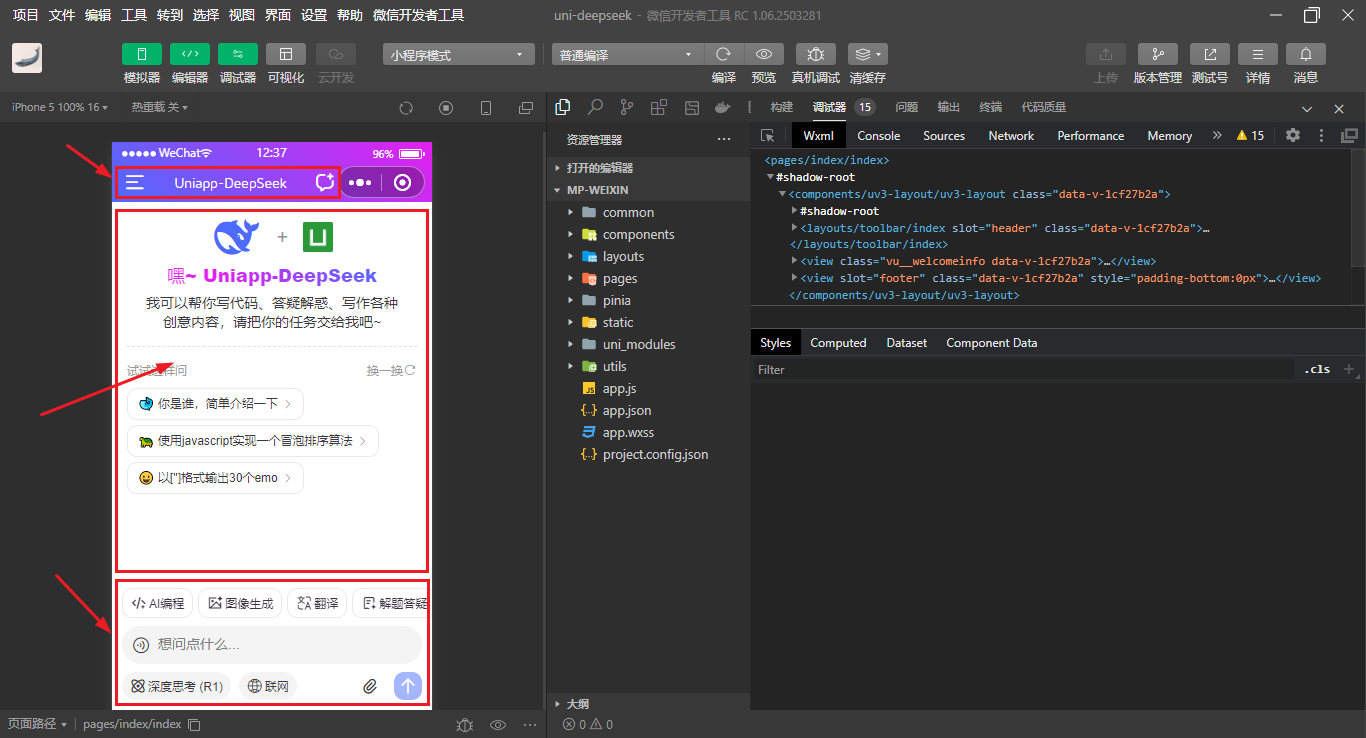
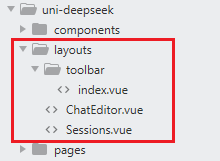
<template>
    <uv3-layout>
        <!-- 导航栏 -->
        <template #header>
            <Toolbar :title="chatSession?.title" />
        </template>

        <view v-if="chatSession && !isEmpty(chatSession.data)" class="vu__chatview flexbox flex-col">
            <scroll-view :scroll-into-view="scrollIntoView" scroll-y="true" @scrolltolower="onScrollToLower" @scroll="onScroll" style="height: 100%;">
                <view class="vu__chatbot">
                    ...
                </view>
                <view id="scrollbottom-placeholder" style="height: 1px;"></view>
            </scroll-view>
            <!-- 滚动到底部 -->
            <view class="vu__scrollbottom" @click="scrollToBottom"><text class="iconfont ai-arrD fw-700"></text></view>
        </view>
        <!-- 欢迎信息 -->
        <view v-else class="vu__welcomeinfo">
            <view class="intro flex-c flex-col">
                <view class="logo flex-c" style="gap: 15px;">
                    <view class="iconfont ai-deepseek" style="font-size: 40px;"></view>
                    <text style="color: #999; font-size: 20px;">+</text>
                    <image src="/static/uni.png" mode="widthFix" style="height: 30px; width: 30px;" />
                </view>
                <view class="name"><text class="txt text-gradient">嘿~ Uniapp-DeepSeek</text></view>
                <view class="desc">我可以帮你写代码、答疑解惑、写作各种创意内容,请把你的任务交给我吧~</view>
            </view>
            <view class="prompt">
                <view class="tip flex-c"><text class="flex1">试试这样问</text><view class="flex-c" @click="refreshPrompt">换一换<uni-icons type="refreshempty" color="#999" size="14" /></view></view>
                <view v-for="(item,index) in promptList" :key="index">
                    <view class="option" @click="changePrompt(item.prompt)">{{item.emoji}} {{item.prompt}} <text class="arrow iconfont ai-arrR c-999"></text></view>
                </view>
            </view>
        </view>

        <template #footer>
            <view :style="{'padding-bottom': keyboardHeight + 'px'}">
                <ChatEditor ref="editorRef" v-model="promptValue" :scrollBottom="scrollToBottom" />
            </view>
        </template>
    </uv3-layout>
</template>
uniapp+vue3渲染markdown
rich-text组件在小程序中有一些限制,改为使用mphtml和markdown-it组件解析标签结构。亲测完美支持在H5端+小程序端+App端流式。
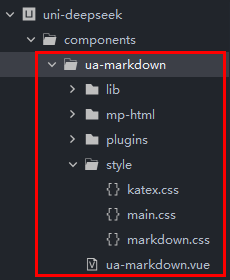
<template>
    <view class="ua__markdown">
        <mp-html :content="parseNodes" @linktap="handleLinkTap" />
    </view>
</template>
const props = defineProps({
    // 解析内容
    source: String,
    // 是否显示代码块行号(关闭后性能更优)
    showLine: { type: [Boolean, String], default: true },
    // 开启katex
    katex: { type: Boolean, default: true },
    // markdown-it插件配置
    plugins: {
        type: Array,
        default: () => []
    },
})
uniapp+deepseek小程序流式sse
小程序端使用uni.request开启 enableChunked 实现流式。
// #ifdef MP-WEIXIN
try {
    this.loading = true
    this.answerText = ''
    this.reasoningText = ''
    this.lastUpdate = 0

    // 发起新请求前终止旧请求
    const requestTask = await uni.request({
        url: baseURL+'/v1/chat/completions',
        method: 'POST',
        header: {
            "Content-Type": "application/json",
            "Authorization": `Bearer ${apiKEY}`,
        },
        data: {
            // 多轮会话
            messages: this.multiConversation ? this.historySession : [{role: 'user', content: editorValue}],
            model: this.chatState.thinkingEnabled ? 'deepseek-reasoner' : 'deepseek-chat',
            stream: true, // 流式输出
            max_tokens: 8192, // 限制一次请求中模型生成 completion 的最大 token 数(默认使用 4096)
            temperature: 0.4, // 严谨采样 越低越严谨(默认1)
        },
        enableChunked: true, //开启分块传输 transfer-encoding chunked
        success: (res) => {
            const { statusCode } =  res
            if (statusCode !== 200) {
                // 手动处理错误码
                console.error('请求失败,状态码:', statusCode)
                this.loading = false
                this.answerText = ''
                this.reasoningText = ''
                uni.showToast({
                    title: errorMsgCode[statusCode],
                    icon: 'none'
                })
                return
            }
            console.log('request success', res)
        },
        fail: (error) => {
            console.log('request fail', error)
            this.loading = false
            this.answerText = ''
            this.reasoningText = ''
            uni.showToast({
                title: error.errMsg,
                icon: 'none'
            })
        }
    })
    requestTask.onChunkReceived((res) => {
        // console.log('Received chunk', res)

        // ...
    })
} catch (error) {
    this.loading = false
    this.chatState.updateSession(this.botKey, {loading: false})
    throw new Error(`request error: ${error.message || '请求异常'}`)
}
// #endif
2026款网页版AI Chat对话|Vite7+Vue3+DeepSeek-R1纯手搓web版流式ai聊天系统
最新款原创研发Electron39+vue3+vite7+arco接入deepseek-v3.2前端桌面AI程序
2026最新版vite7.2+vue3.5+deepseek-v3.2+markdown移动端流式AI对话模板
基于Electron38.2+Vite7+Vue3+ArcoDesign客户端OS系统
最新款Electron38+Vue3+Vite7+ElementPlus客户端中后台管理系统
Electron38-Vue3Chat电脑端聊天|vite7+electron38+pinia3仿微信
基于uni-app+vue3+pinia2+uv-ui仿抖音app短视频+聊天+直播商城系统
基于uniapp+vue3跨端手机admin管理系统uniapp-vue3os
基于flutter3.32+window_manager+get仿macOS/wins桌面os系统
最新款Tauri2.9+Vite7.2+Vue3 setup+ArcoDesign电脑版os后台解决方案
基于tauri2+vite7.1+vue3 setup+pinia3+element-plus电脑端聊天系统
Tauri2-Vite7Admin客户端管理后台|tauri2.9+vue3+element-plus后台系统
最新版vite7-vue3-webos网页版仿macos系统|Vite7+Pinia3+Arco网页os
最新原创uniapp+vue3+uv-ui实战仿微信app聊天模板
转载自CSDN-专业IT技术社区
原文链接:https://blog.csdn.net/yanxinyun1990/article/details/158356930